










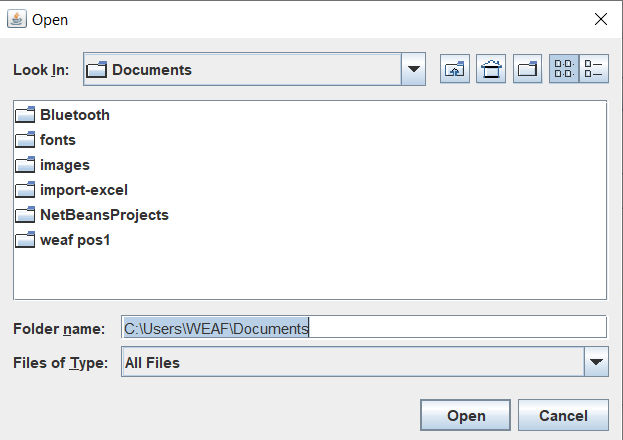
Watermark Pro Desktop App - Apply Custom Watermarks to All Images in a Folder
Watermark Pro Desktop App - Apply Custom Watermarks to All Images in a Folder
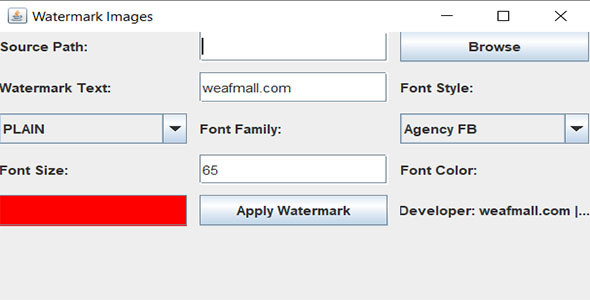
Enhance the security of your digital images with the Watermark Pro Desktop App. This powerful application allows you to apply custom watermarks to all images in a folder at once, streamlining your workflow and ensuring your content is protected from unauthorized use. Perfect for photographers, designers, and content creators, Watermark Pro offers a user-friendly interface with options to customize your watermark text, color, font, and style. Safeguard your work with ease and efficiency using Watermark Pro, now available at Weafmall Uganda.
Product Key Features:
- Batch Watermarking: Easily apply watermarks to all images in a selected folder with a single click.
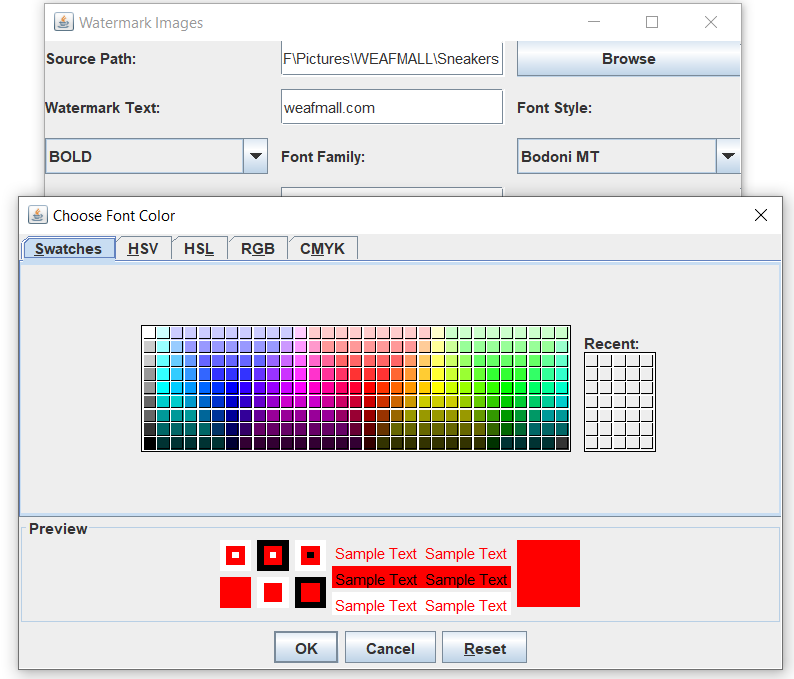
- Customizable Watermarks: Choose from various font styles, sizes, and colors to create personalized watermarks.
- User-Friendly Interface: Simple and intuitive design for easy navigation and quick processing.
- Multiple Image Formats Supported: Compatible with popular formats including JPEG, PNG, TIFF, and BMP.
- High-Speed Processing: Efficiently handles large batches of images without compromising quality.
- Protect Your Content: Add visible watermarks to prevent unauthorized use of your images.
Specifications:
- Platform: Desktop (Windows, macOS)
- Supported Formats: JPEG, PNG, TIFF, BMP
- Customization Options: Text, font family, font style, font size, font color
- License: Single-user license (additional licenses available for multiple users)
What's in the Box:
- Watermark Pro Desktop App (Download link)
- User Manual
- License Key
- Customer Support Information
How It Works:
- Install: Download and install the Watermark Pro Desktop App on your computer.
- Select Folder: Choose the folder containing the images you want to watermark.
- Customize Watermark: Input your watermark text and customize the font, style, size, and color.
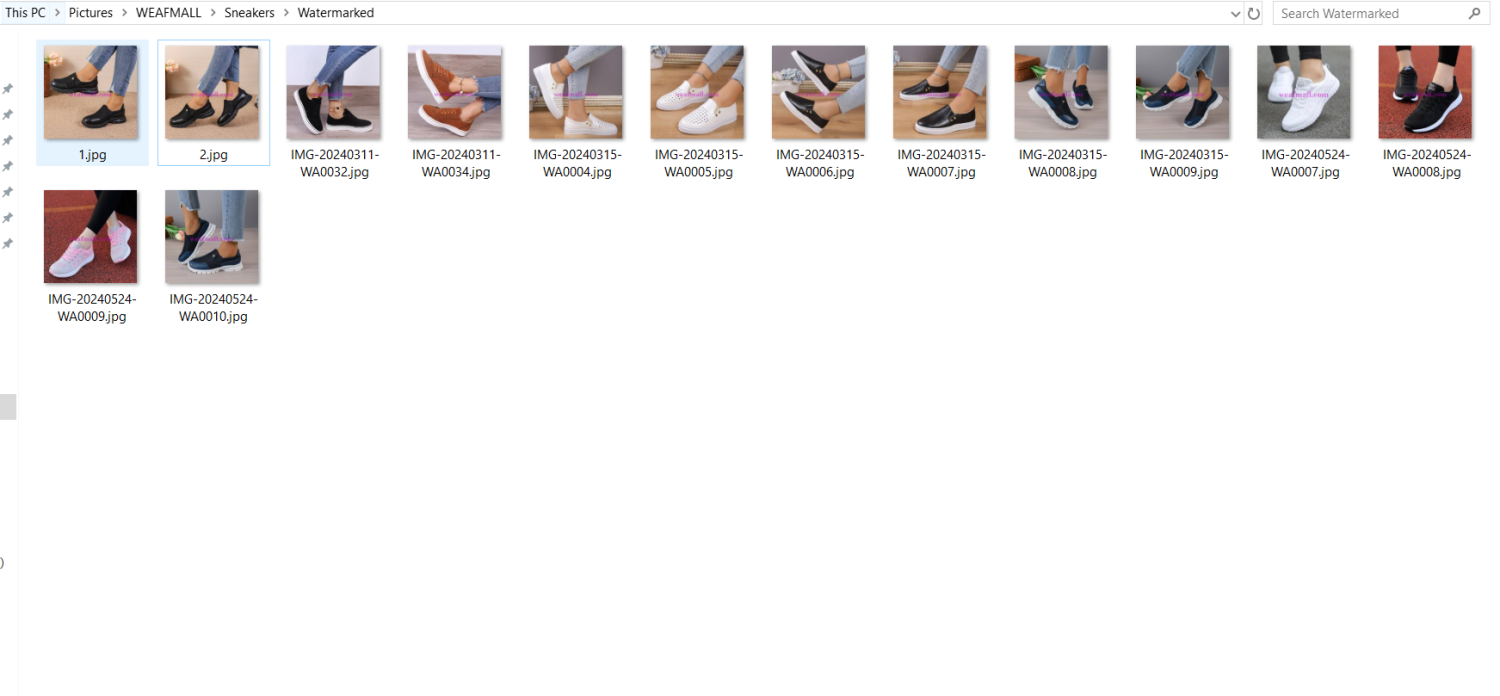
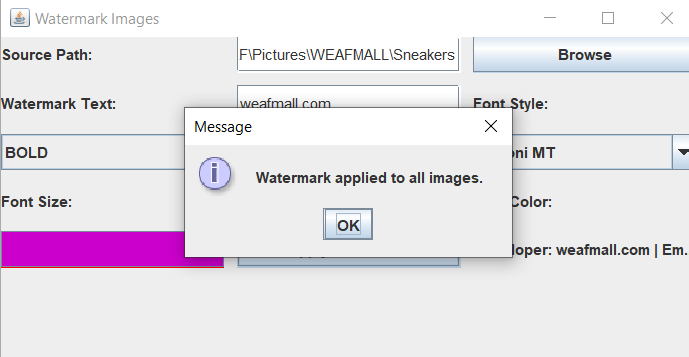
- Apply: Click the "Apply Watermark" button to add the watermark to all images in the folder.
- Save: Save your watermarked images to your desired location.

About Watermark Pro: Watermark Pro is a leading tool for image protection, designed to help content creators secure their digital assets with ease. With customizable options and high-speed processing, Watermark Pro ensures your images are protected without sacrificing productivity.
Protect your digital images with the Watermark Pro Desktop App. Available now at Weafmall Uganda, this essential tool combines convenience and functionality to meet all your watermarking needs. Shop today and safeguard your content with personalized watermarks.
Related products


QuickBooks Premier Accountant 2021 UK Edition - One Time Payment
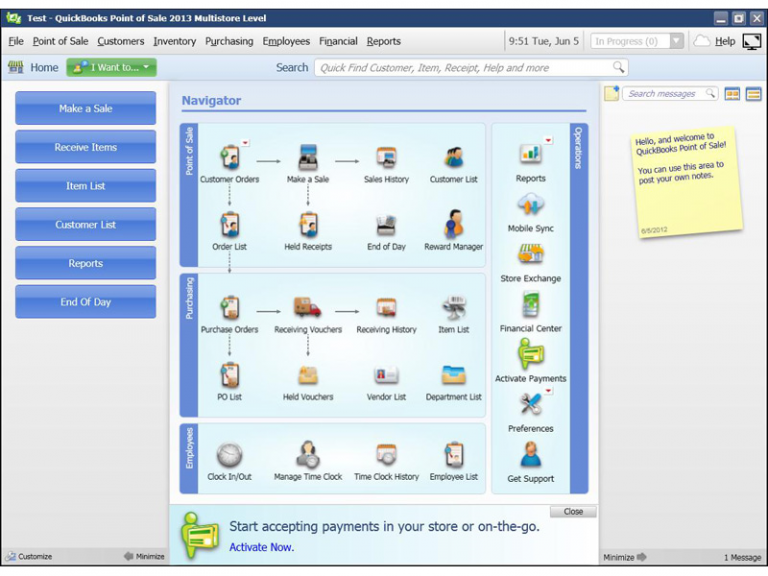
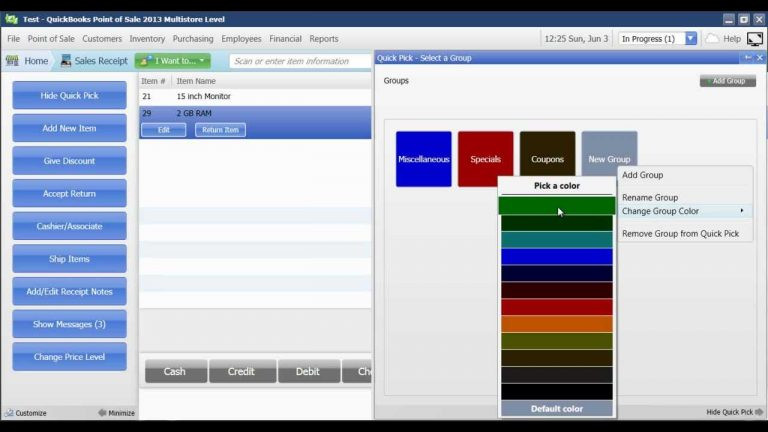
QuickBooks Point of Sale (POS) v11 2013 Multistore




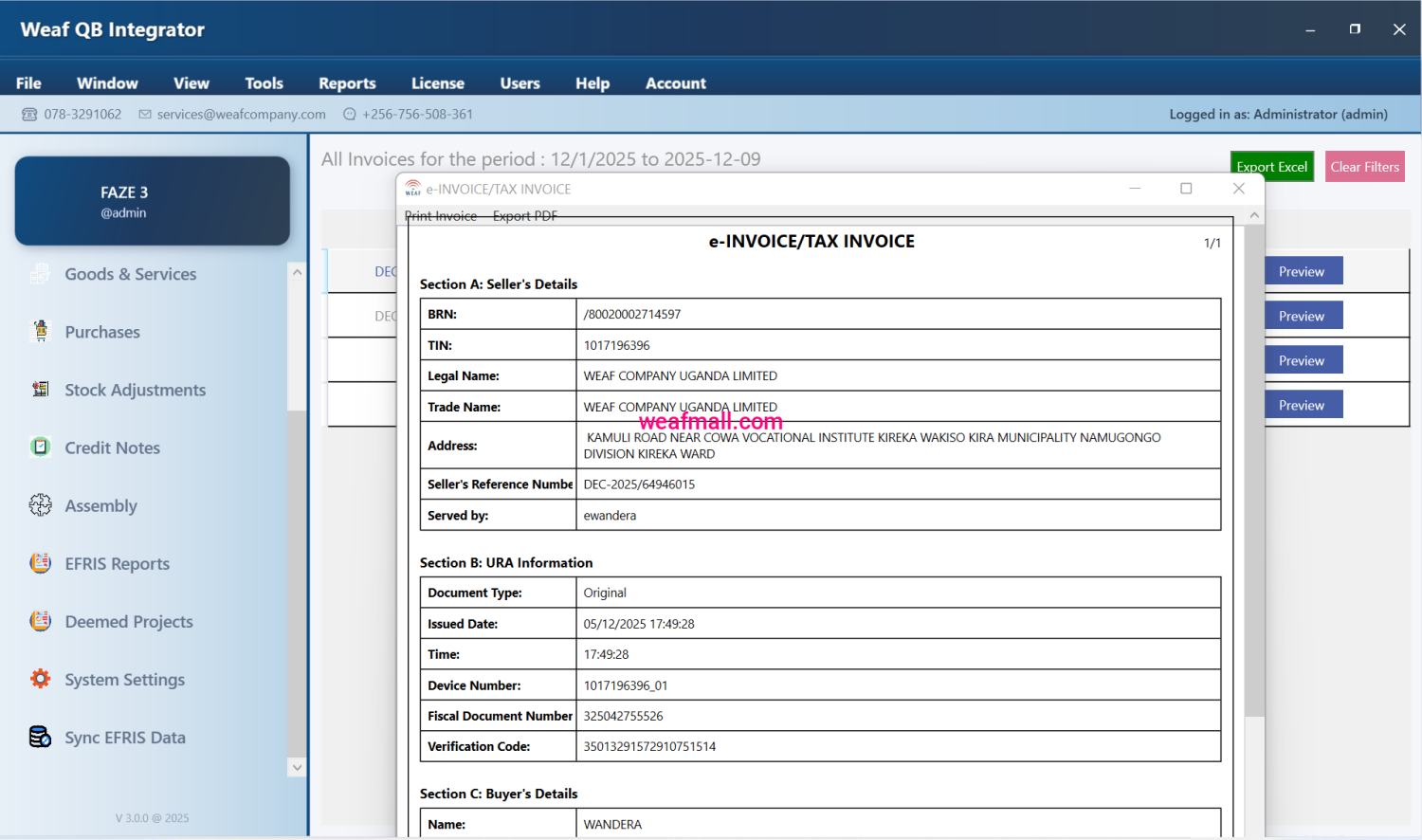
Frequently Bought Together
QuickBooks Point of Sale (POS) v11 2013 Multistore
Products from this Seller
View All
Infinix Hot 10 Lite 6.6" 2GB RAM 32GB ROM 13MP - Black


Generic 3 Column Cloth & Metal Frame Portable Wardrobe


Smartplus MP3000 Multimedia Speaker Tall Boys

Smartplus MP3040 Multimedia Speaker Tall Boys




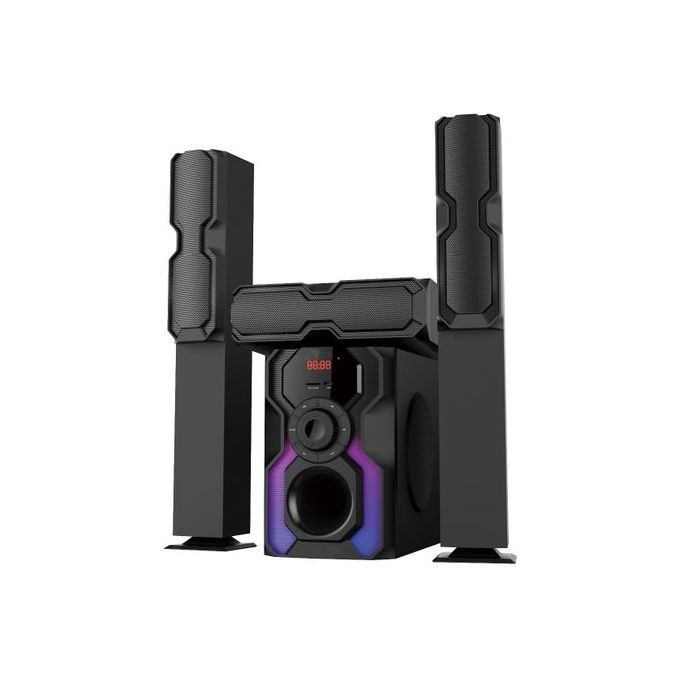


Smart Plus Android 43 inch Led TV with Bluetooth Tv Smart Tv with Free to Air - Black


Yoko Rechargable Shaving Machine Yoko Hair Clipper 3 in 1


Nikai Rechargeable Hair Trimmer Hair Cutter Nikai Shaver - Color May Vary


Hisense HS212 - 2.1CH Sound Bar 120w Hisense Soundbar- Black

LG Home theatre System 1000 Watts - Black


LG 5.1Ch. DVD Home Theater System - LHD647 - Black
"About WEAFMall"

Subscribe to our newsletter for regular updates about Offers, Coupons & more
Follow Us
Mobile Apps


Subscribe to Our Newsletter
Subscribe our newsletter for coupon, offer and exciting promotional discount..

New Customer App Launch
Get great Discounts from our new app launch. Shop on a variety of products from our vendors at affordable prices. You can now chat with the seller via the app before making pruchases.
Get the App Now


Share with Friends
Trading is more effective when you share products with friends!Share you link
Share to